
What is XenDroid
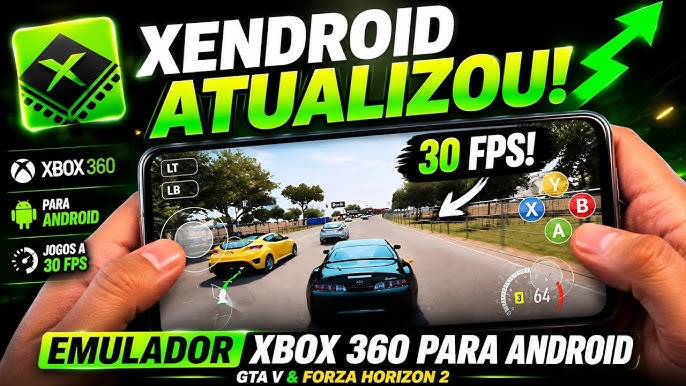
XenDroid is an Xbox 360 emulator for Android built on the open-source project Xenia Edge. It brings Xbox 360 emulation to powerful smartphones with an Android-native interface, physical controller support, and ongoing optimizations that make the most of modern hardware.
- Android-Native ExperiencePlay with an interface designed for Android, so Xbox 360 emulation feels natural on phones and tablets.
- Controller ReadyConnect physical gamepads and enjoy responsive input built for real console-style play on the go.
- Always ImprovingAs an open-source project, every release brings fresh optimizations and better game compatibility.
How to use XenDroid
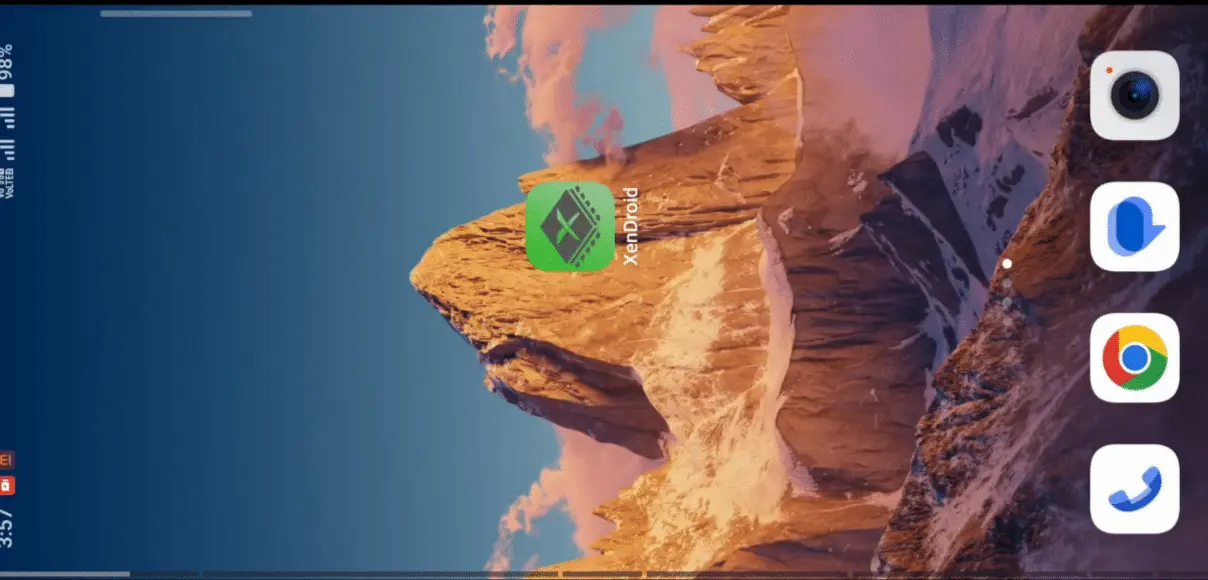
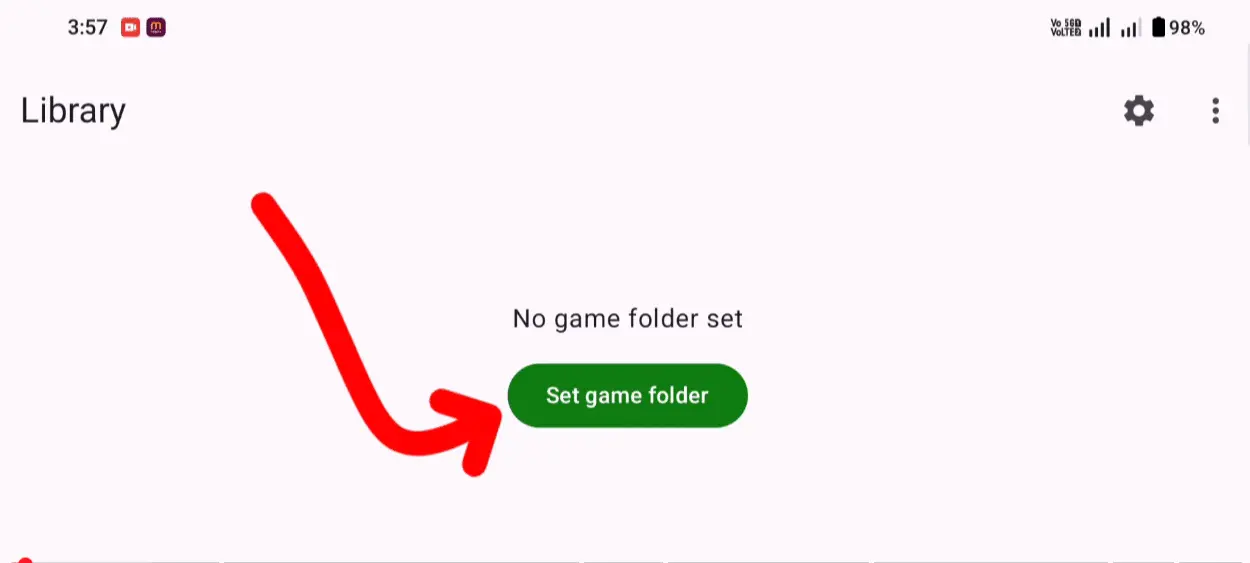
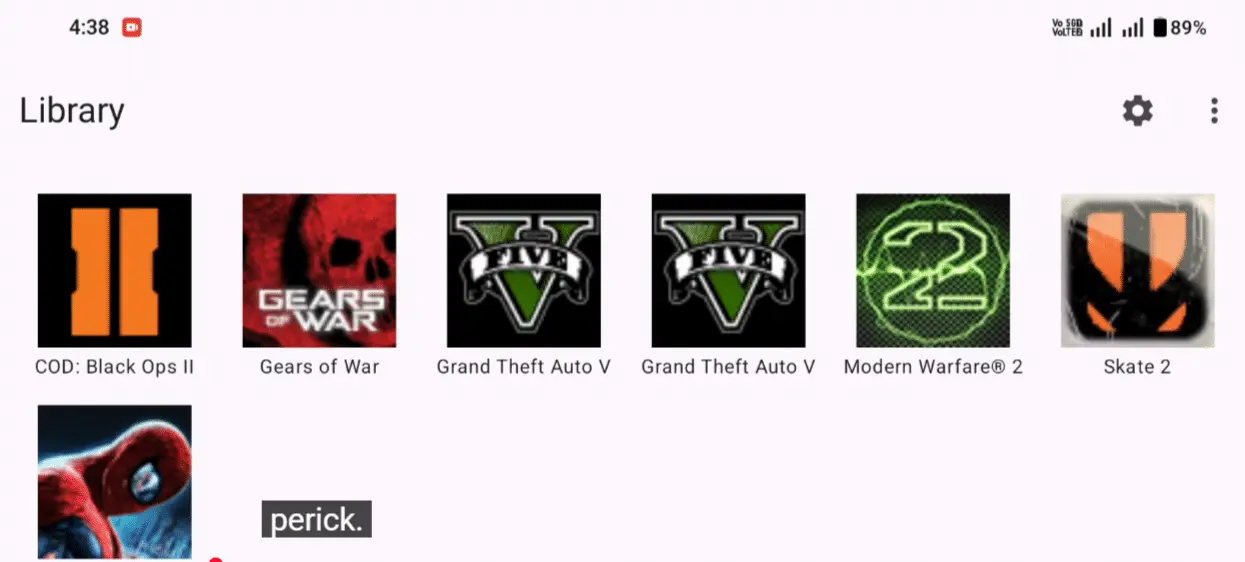
Getting started with XenDroid is straightforward: install the APK, point it to your Xbox 360 game folder, then tune Vulkan settings for your device. In a few minutes you can browse your library and launch titles on Android.
Key Features of XenDroid
Experience console-grade Xbox 360 emulation on Android powered by modern graphics APIs and open-source innovation.
Xenia Edge Core Engine
Rebased directly on Xenia Edge with a native Kotlin Android frontend for high emulation accuracy and active updates.
Vulkan & Custom Drivers
Leverage Vulkan GPU acceleration with support for custom Turnip drivers on Snapdragon devices to maximize FPS.
DLC & Update Manager
Easily install Title Updates, DLC content packages, and game modifications through the built-in Content Manager.
Flexible Storage Support
Load games directly from internal storage, SD cards, or mounted external drives in ISO, ZAR, XEX, or GOD formats.
Gamepad & Mapping Support
Enjoy full physical controller compatibility alongside touch screen overlays with customizable button layouts.
Per-Game Patches & Tweaks
Apply individual game patches, memory fixes, and resolution tweaks tailored for specific Xbox 360 titles.
XenDroid by the Numbers
Bringing high-performance Xbox 360 emulation to power users and mobile gamers worldwide.
Core Engine
Xenia Edge
Rebased Backend
Target Platform
ARM64
Android 11+ Devices
Graphics API
Vulkan
Custom Turnip Support
What Gamers Say About XenDroid
Hear how mobile emulation enthusiasts and retro gamers experience Xbox 360 titles on Android.
Marcus Vance
Snapdragon Power User
Loading custom Turnip drivers on my Snapdragon 8 Gen 2 turned XenDroid into an absolute powerhouse. Games run remarkably smooth.
David Chen
Android Handheld Gamer
Playing Xbox 360 classics on an Android gaming handheld with physical controls feels like magic. The input mapping works flawlessly.
Alex Rivera
Emulation Enthusiast
The Kotlin backend rebase on Xenia Edge brought massive stability improvements. The Content Manager makes DLC setup super easy.
Sam Taylor
Retro Tech Reviewer
XenDroid is proving that mobile hardware is finally ready for 7th gen console emulation. Open-source development at its finest.
Elena Rostova
Mobile Content Creator
Being able to showcase Xbox 360 emulation directly on Android phones has blown my audience away. The debug overlays are super helpful.
Jordan Miller
Casual Gamer
Setting up game folders and launching ISO dumps took less than five minutes. It’s surprisingly user-friendly for such a complex emulator.
Frequently Asked Questions About XenDroid
Find answers to common questions about device compatibility, game formats, and settings.
What device requirements are needed to run XenDroid?
XenDroid requires an ARM64 Android device (Android 11 or higher) with at least 8GB of RAM. For optimal performance, a Qualcomm Snapdragon processor (Snapdragon 8 Gen 2, Gen 3, or 8 Elite) with an Adreno 700-series GPU is strongly recommended.
What game file formats are supported?
XenDroid supports uncompressed `.ISO` files, `.ZAR` archives, extracted `.XEX` files, and Microsoft GOD (Games on Demand) folder structures stored on internal storage or SD cards.
Why should I use Custom Turnip Drivers?
On Qualcomm Snapdragon devices, switching to open-source Turnip GPU drivers (via Settings > Vulkan > Custom Vulkan Driver) bypasses stock driver limitations, boosting framerates and resolving graphical glitches in complex games.
How do I install game updates and DLCs?
Open XenDroid, tap the Content Manager tab, select Install Content Package, and select your DLC or Title Update files to install them into the emulator's virtual hard drive.
Does XenDroid support physical gamepads and controllers?
Yes! XenDroid offers full controller mapping support for Bluetooth and USB gamepads (including Xbox, PlayStation, and Android handheld controllers) alongside customizable touch overlays.
Is XenDroid free and open source?
Yes, XenDroid is 100% free and open-source under Xenia open-source licensing. Beware of paid apps or unauthorized APK re-uploads on third-party sites.
Can I run XenDroid on MediaTek or Exynos processors?
While XenDroid can launch on non-Snapdragon devices using default system Vulkan drivers, performance and compatibility may be limited due to the lack of custom Turnip driver support for non-Adreno GPUs.
Ready to Experience Xbox 360 Games on Android?
Download XenDroid and bring your favorite Xbox 360 titles to your mobile device today.